
AI Exporter Professional AI Chat Export
One-click export to PDF · Sync to Notion · Free & secure
Export ChatGPT, Gemini and other AI conversations to PDF, Markdown, Word, TXT, JSON, or images with one click. Sync AI chats to Notion instantly, select only the messages you need, and manage every important AI chat in one clean workflow.

 158K+ active users
 16K+ active users
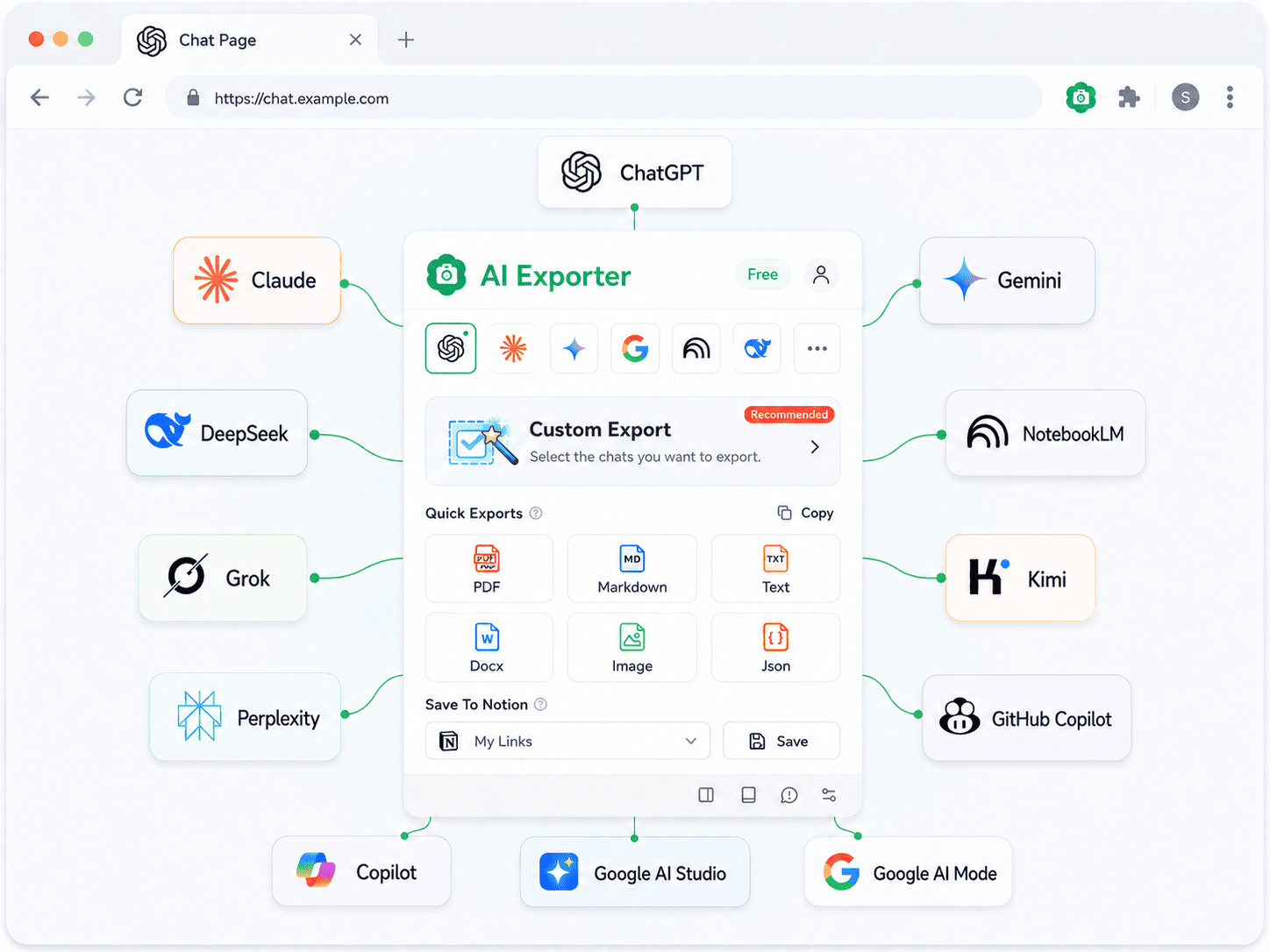
Supports 10+ AI Platforms


6 Core Features to Manage Your AI Chats
Export PDF, Markdown, Word & 6 Formats
Export full conversations or individual messages to PDF, Markdown, Word, TXT, JSON, or images with one click. Perfectly preserves code highlighting, LaTeX formulas, tables, and inline images — your AI chats archived in the best format.
One-Click Sync AI Chats to Notion
Auto-connect to your Notion workspace with high-fidelity Markdown formatting. Turn AI conversations into a structured knowledge base for study notes or work research. Select and combine different chats before syncing.
Select Exactly What to Export
Use quick selection tools to check or drag-select any chat section, then download only the chosen content locally. Remove unrelated context and keep the parts that actually matter.
Collect Chats Across AI Models
Add conversations from Claude, ChatGPT, Gemini, DeepSeek, and more to the sidebar, then keep them together for review, collection, or export.
AI Platform Quick Navigation
Switch between AI platforms instantly via the popup dropdown on any AI website. Drag to reorder and pin your most-used AI tools to the top. One entry point to all your AI platforms.
Convert Markdown to PDF Online
Already have an AI chat, README, or set of notes saved as Markdown? Use our Markdown to PDF converter to turn a .md file to PDF while keeping headings, tables, code blocks, links, and images readable — no desktop app or command-line setup required.
Open the Markdown converterThe Best AI Chat Exporter — Perfect Formatting, Every Time
One Extension for All AI Platforms
One install — export and manage chats from 10+ AI platforms.
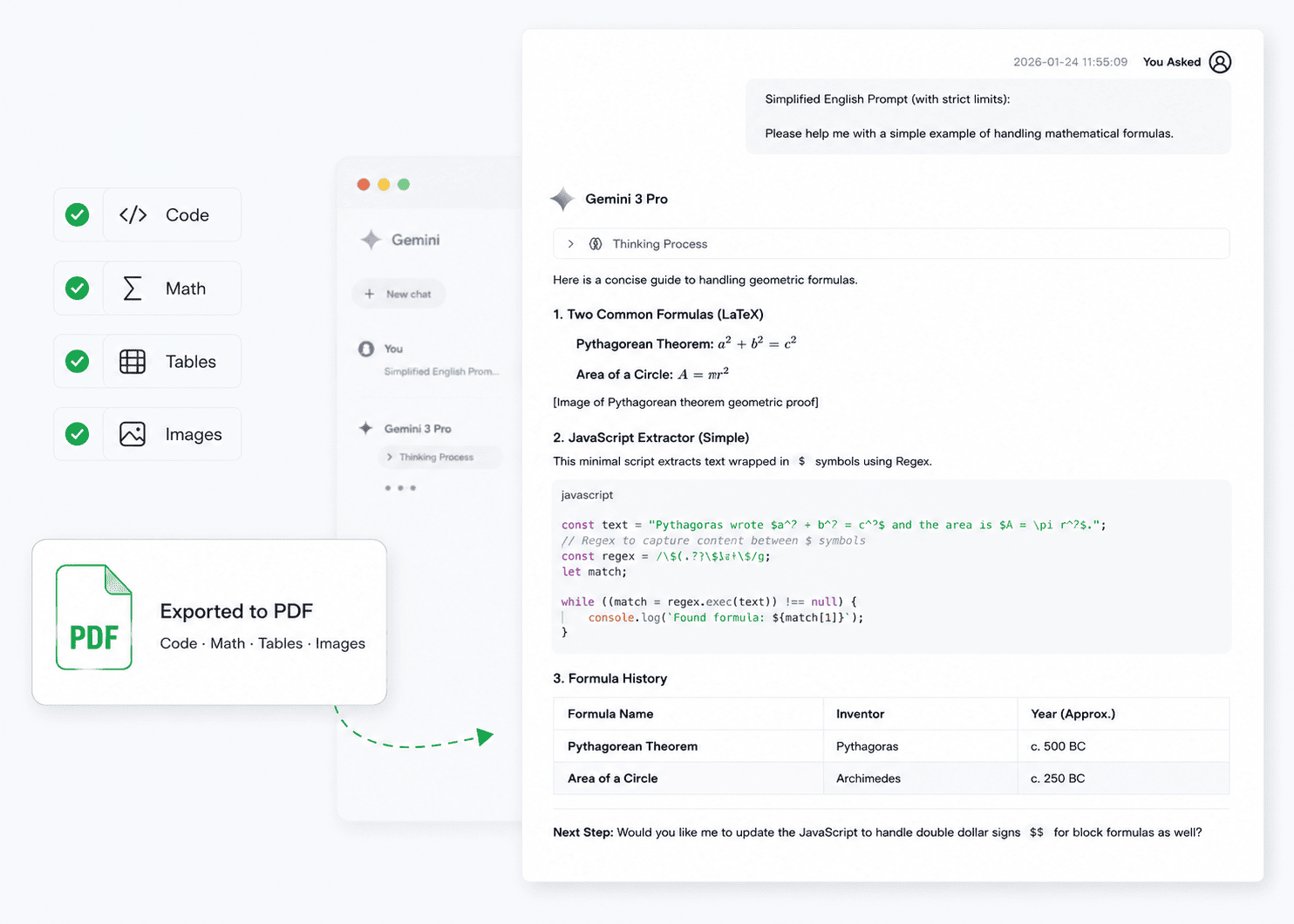
Exceptional Format Fidelity
Code, formulas, tables, and images — exports match the original UI.
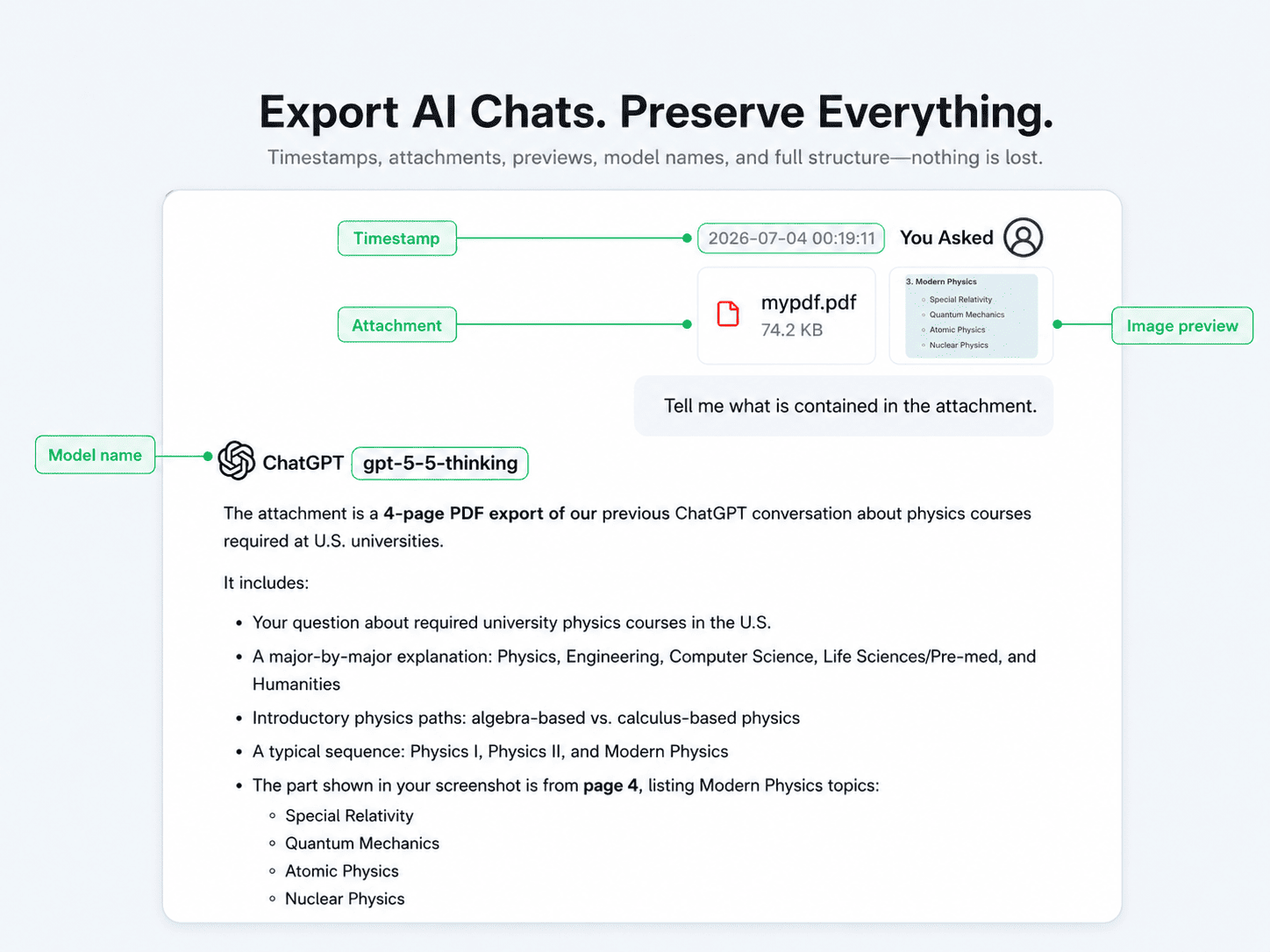
No Key Information Lost
Timestamps, model version, attachments, and images — nothing missing.
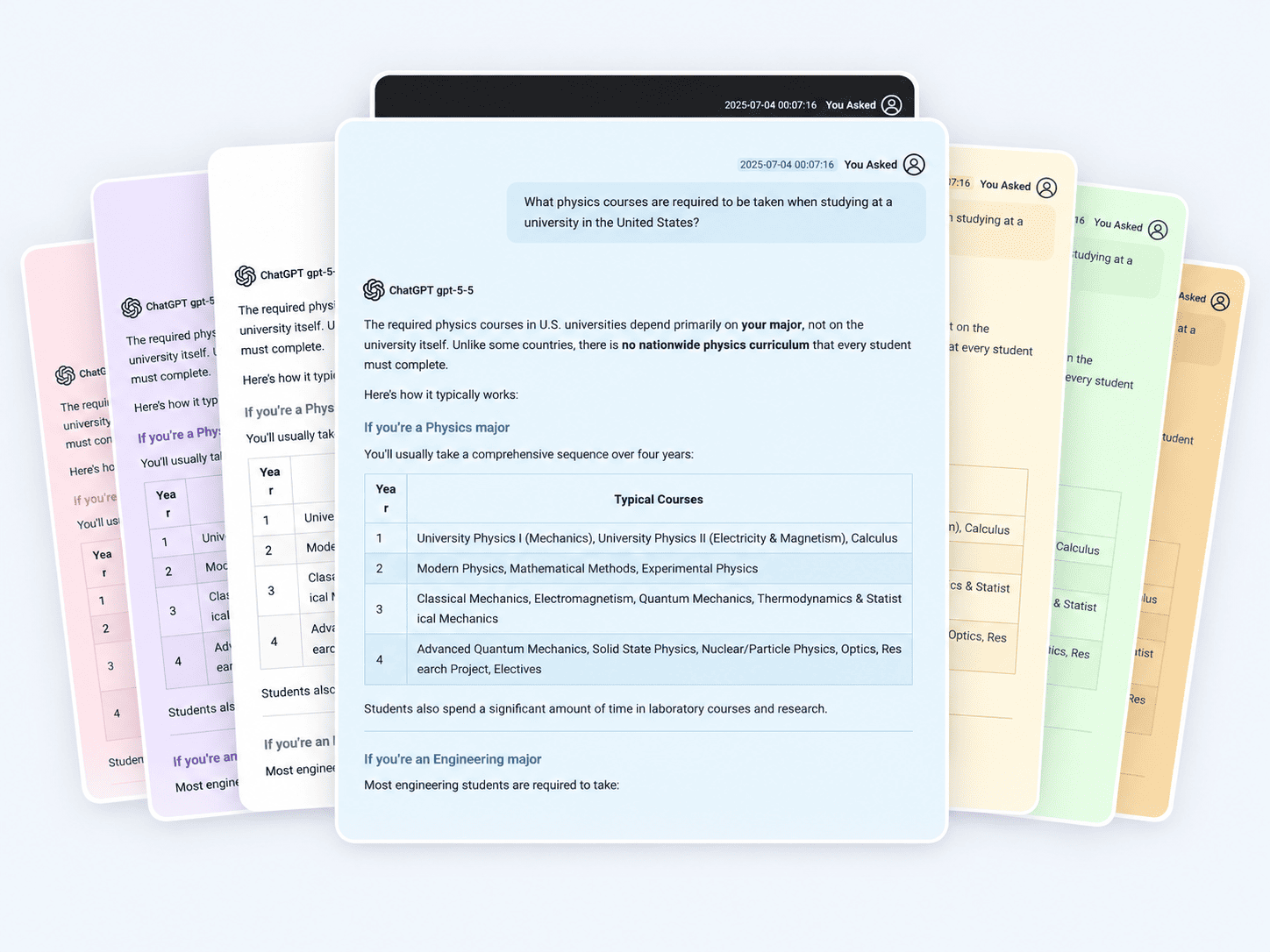
Multiple PDF Styles to Choose From
Multiple themes — highlighted, dark mode, cherry blossom, and more.
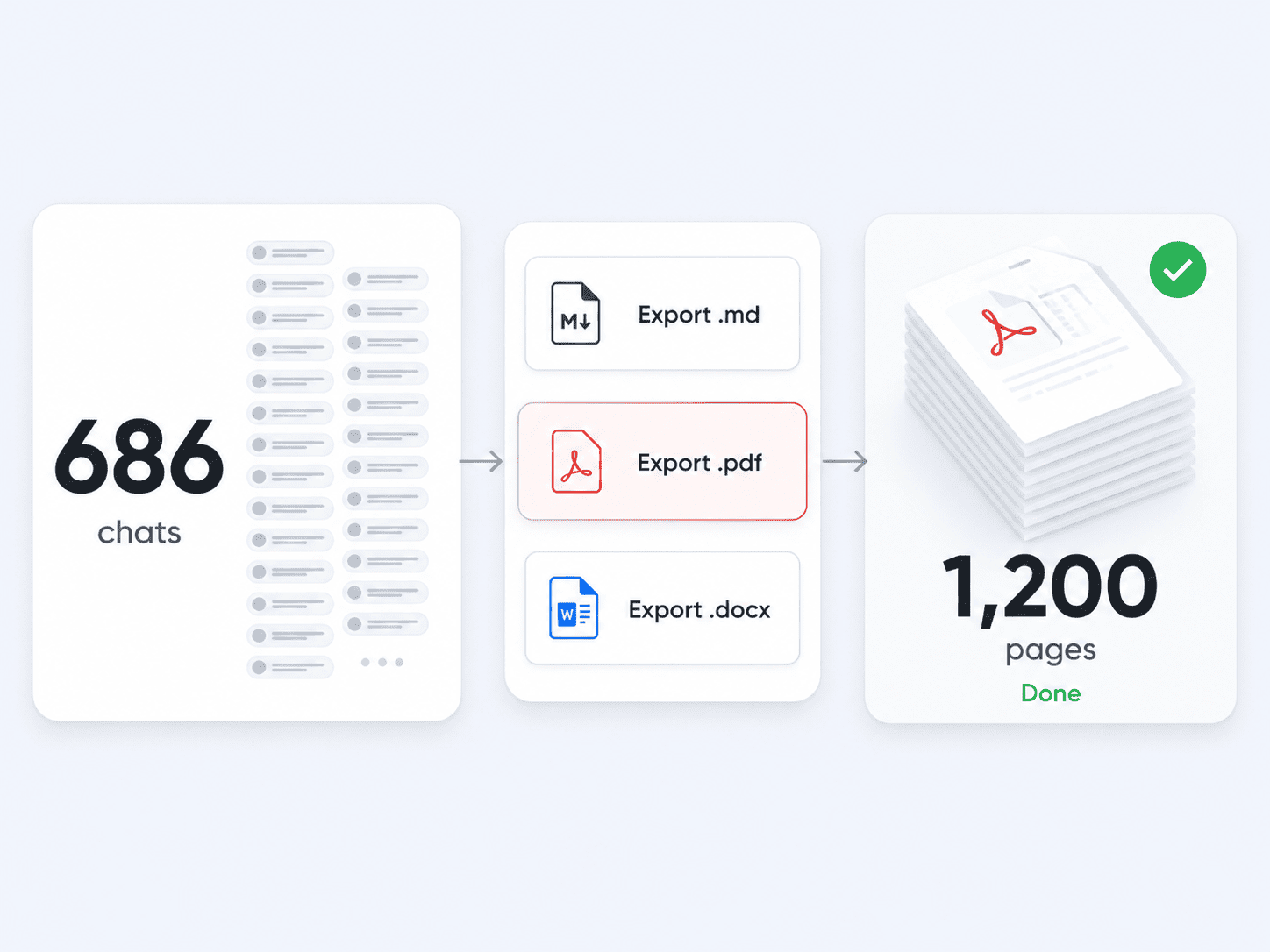
Export Even the Longest Chats
Even thousand-turn chats export completely in one click.
Frequently Asked Questions
AI Exporter
Install AI Exporter and work faster with every AI chat
Turn important conversations into reusable research notes, study materials, and clean documents.


